


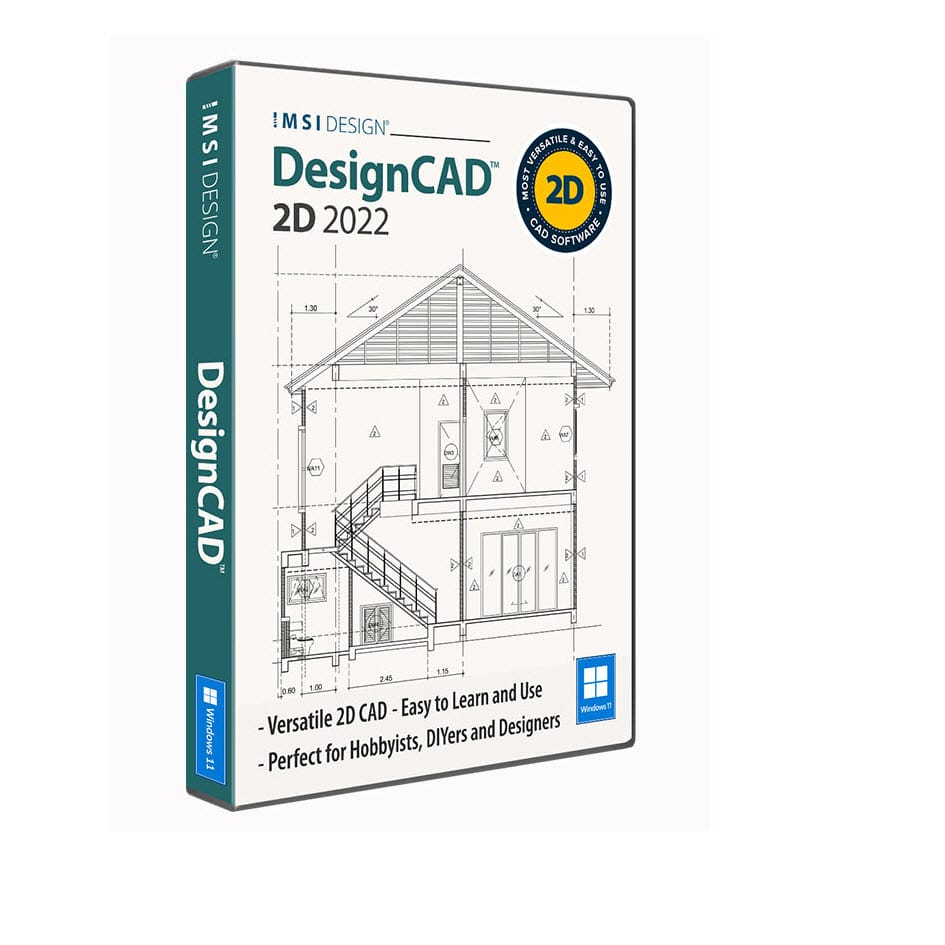
DesignCAD 2D 2022
€54,15
Easy, Versatile 2D CAD Solution
DesignCAD is an easy-to-learn and use 2D CAD program. Access hundreds of 2D drafting and design tools through an intuitive interface to quickly and easily produce accurately scaled, precision designs. It’s perfect for architectural drawings, engineering layouts, and more.
Brand: IMSI Design
Operating system: Windows
Language: English
Description
What’s new in DesignCAD 2D 2022
New Selection Tool
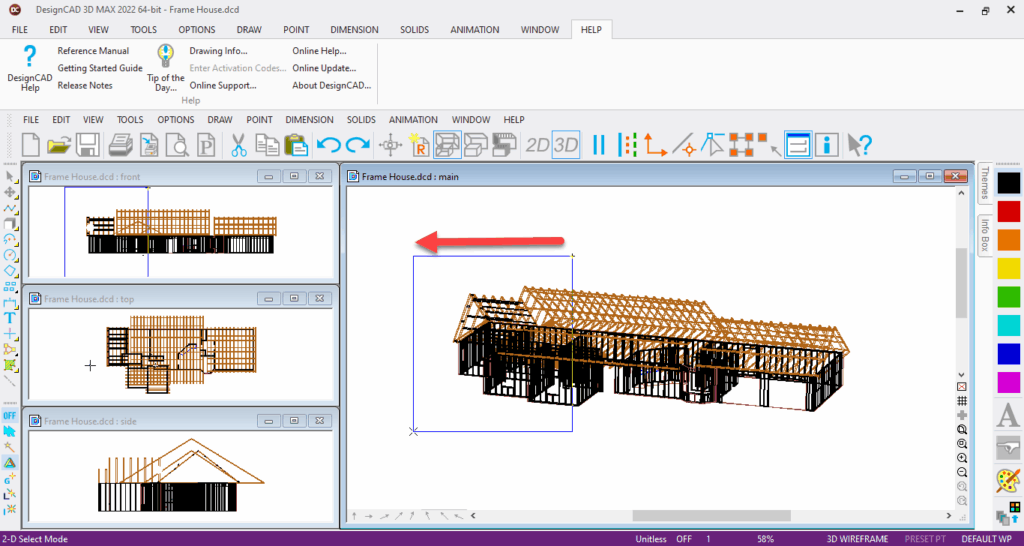
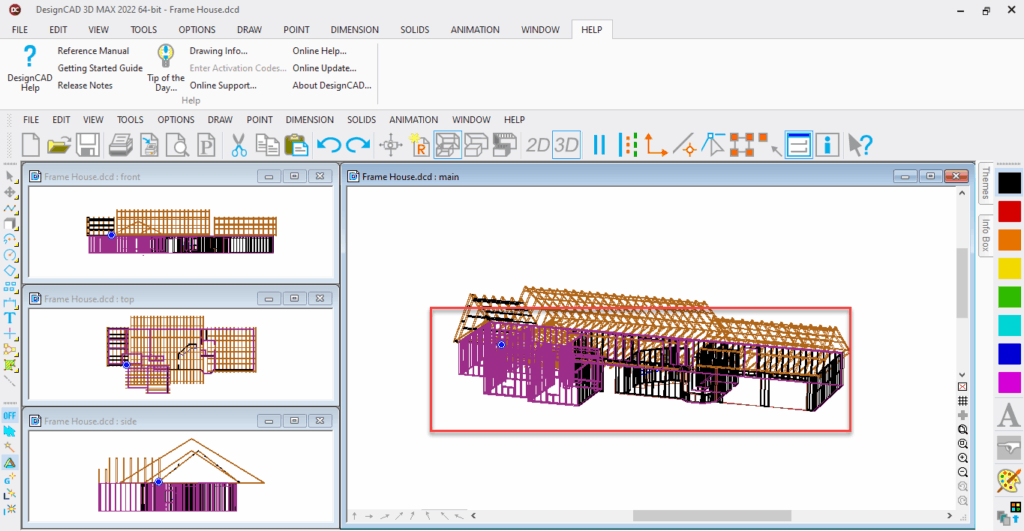
You can now select the whole drawing just by selecting any portion. Select right to left updated to select the entire object if any portion is selected. Select left to right stays as it is, i.e., select the entire object if and only if the whole object is inside selection box.
New Icon Size
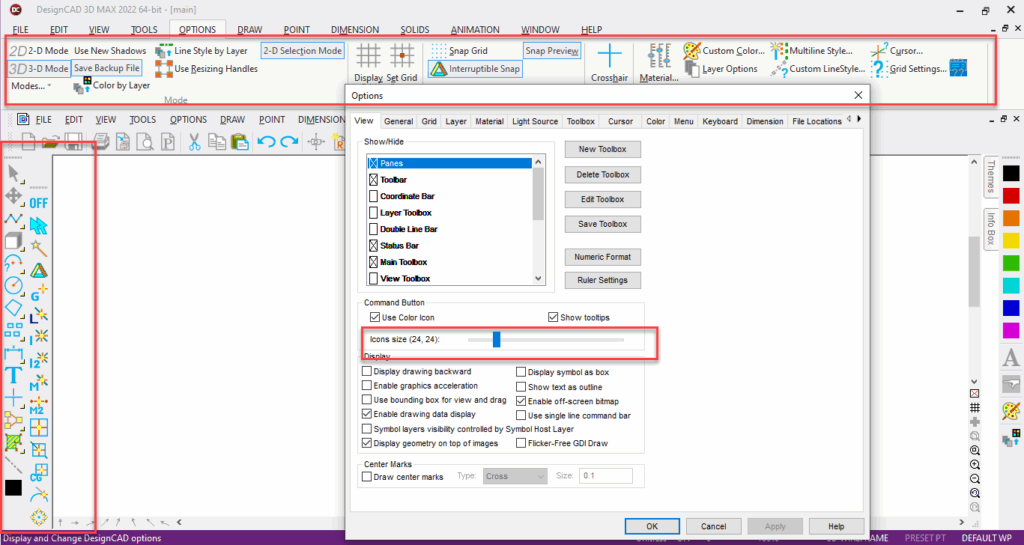
A new medium icon size (24×24) has been introduced using Icon slider inside View Option dialog. Previously, only small(16×16) and large(32×32) icon sizes were available.
Block Editor Mode in Ribbon
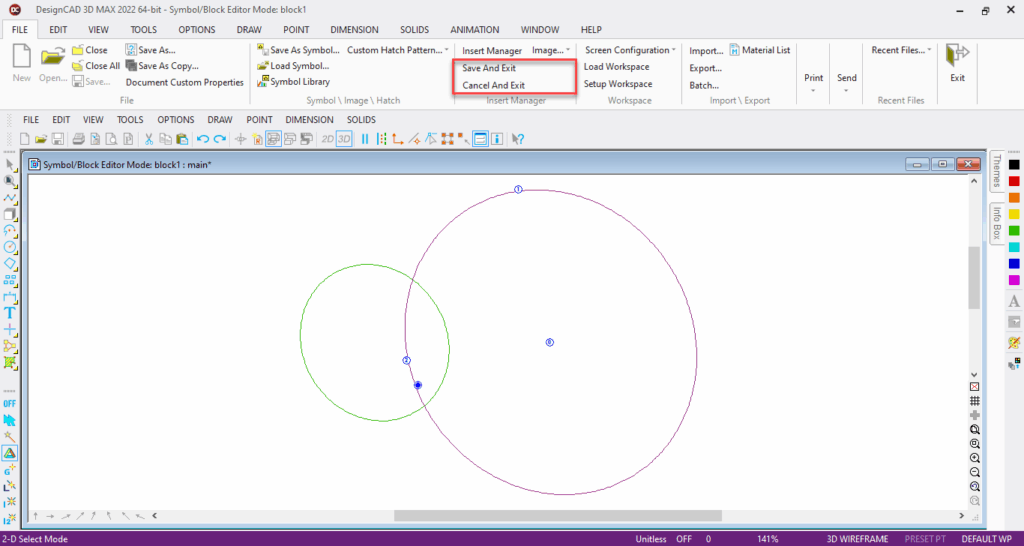
Just like classic menu, you can use Ribbon menu to save edits while in block editor mode.
Separate group for Block Editor/Insert Manager is created in File Tab of Ribbon which contains options to save and exit the block editor mode once the block is edited.
Key Features
PDF Underlay
PDF compatibility has been expanded to now include PDF Underlay. Previously, only 2D file export was supported along with the import of 2D Geometry.
2D PDF Import
A new filter that has been implemented in DesignCAD is 2D PDF import. PDF export was already implemented in DesignCAD. The functionality of this filter will be to import 2D geometry from the PDF files.
2D Adobe Illustrator with Option to Import as Underlay
Adobe illustrator import filter has been added in DesignCAD 2D 2022. You can import the Adobe illustrator file as an underlay or simply its geometry.
System Requirements
DesignCAD 2D Express is delivered in a 64-bit version to take full advantage of your hardware’s available computer memory to load, process, and render CAD files. A 32-bit version is also available if required by your hardware.
64-bit System Requirements:
– Microsoft Windows 11, Windows 10, Windows 8* 64-bit, Windows 7 (64-bit)
– 4GB RAM
– 750 MB free hard drive space
*DesignCAD is designed for desktops or laptops that meet the indicated system requirements. Windows RT technology for use on tablets is not supported.
Recommended:
– Your experience with DesignCAD will be greatly enhanced with a newer generation, higher speed CPU
– 4+ GB RAM
– Large display resolution and graphics support
– Internet connection for online features and content