


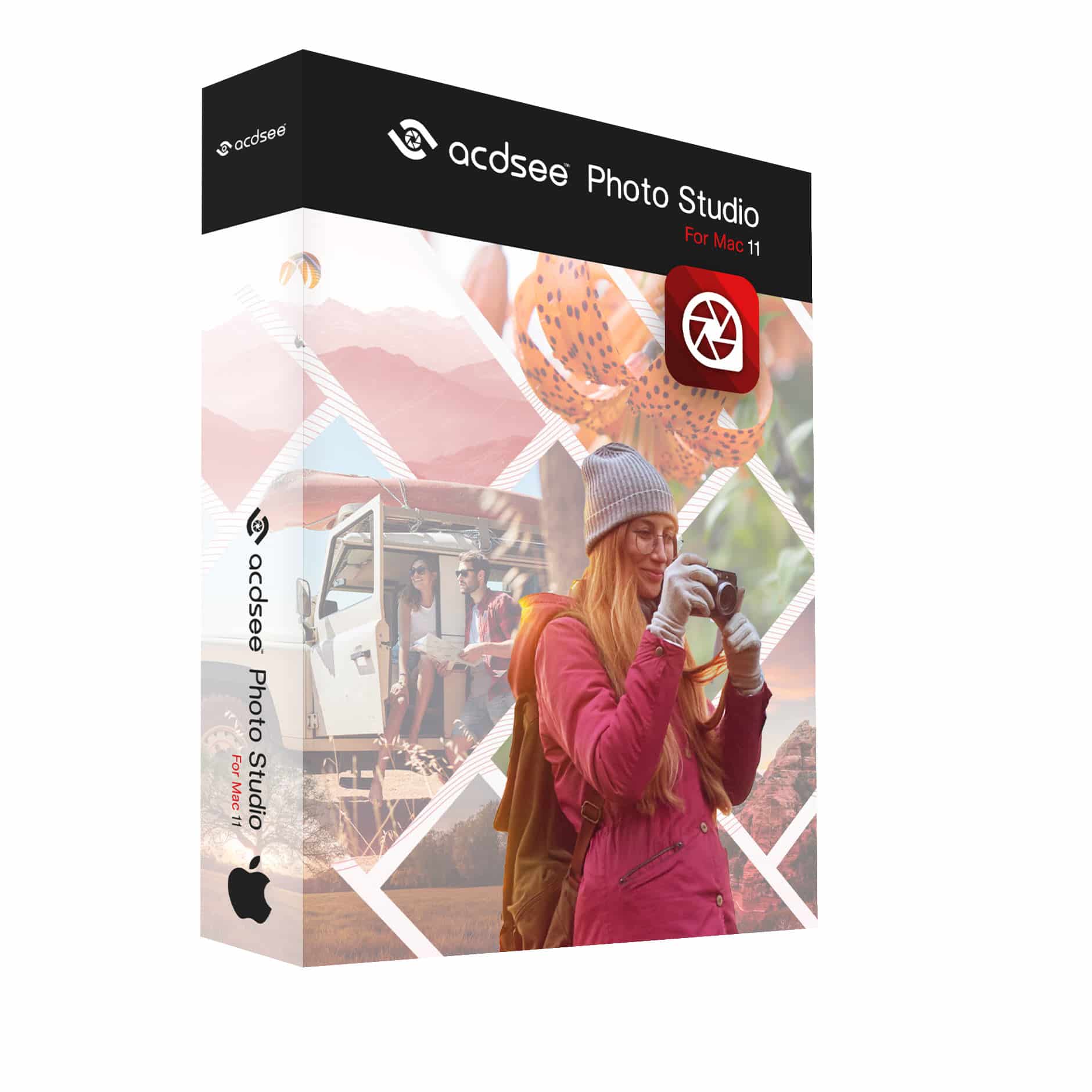
ACDSee Photo Studio for Mac 11
€65,65
Digital Asset Manager (DAM)
RAW Editor
AI-Driven Photo Management and Beyond
Whether you’re just starting your creative journey or have already mapped out a professional path, ACDSee Photo Studio for Mac 11 is your trusty sidekick. Designed for photographers and digital explorers alike, this all-in-one software gives you AI-powered digital asset management to effortlessly navigate and organize your photo collections, as well as a full toolkit of non-destructive photo editing features to enhance every shot. Turn your creative vision into a breathtaking adventure with ACDSee Photo Studio for Mac 11 today.
Brand: ACD Systems
Operating system: Mac
Language: English, French, German
Description
Photo management and editing becomes easy thanks to ACDSee for Mac
Is photo management not your strong suit? Well, it does not have to be thanks to ACDSee for Mac 9, which files all your pictures in its unrivalled DAM system. DAM, also known as Digital Asset Management, is an interesting feature and is indispensable when working on your beautiful pictures. Are you rather looking for a powerful editing app which helps you create the most powerful images? The ACDSee Gemstone Photo Editor does all of that and so much more. It can handle the most complex tasks. Every tone, colour and detail will look exactly how you want it with this ACDSee application for Mac.
What’s new in ACDSee Photo Studio for Mac 11
ACDSee AI Super-resolution
Transform Pixels into Perfection
– Maximize the pixels in your images with ACDSee AI Super-Resolution.
– AI Super-Resolution intelligently upscales images while reducing noise and blurriness, eliminating artifacts, and maintaining details. It improves contrast and sharpness, resulting in clearer, more detailed upscaled images.
– Prepare multiple shots for large-scale printing, breathe life into old photos, or upscale low-resolution images in one swift move with Batch AI Super-Resolution.
Masking Group in Develop Mode
Next Gen Non-Destructive AI Selection Masks
The Masking Group in Develop Mode has been redesigned for ACDSee Photo Studio for Mac to act as a basecamp for all your masking tools. Gain easy access to new AI-driven masking tools and blaze through your post-processing journey.
AI Select Subject
Automatically detect and mask the main subject in your image with a single click, saving time and improving precision.
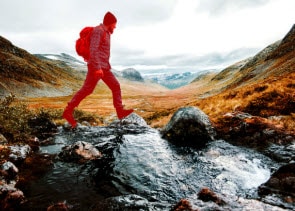
AI Select Background
Easily isolate and mask backgrounds using AI-powered recognition, allowing seamless changes without manual effort.
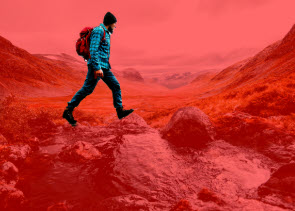
AI Select Sky
Effortlessly identify and mask skies for quick adjustments, enhancing landscapes and outdoor scenes with ease.

AI Object Selection Tool
Roughly outline specific objects in your image to mask them with AI-driven accuracy, enabling faster and more detailed edits.

Mask Feathering & Shift Edge Options
Soften mask edges with feathering for natural transitions and refined blending. Use Shift Edge to expand or contract the mask boundary, giving you greater control.
Mask Adjustment Filters
Enhance your photos with new mask adjustment filters, including Vibrance, Temperature, Tint, Color Strength, and Color Hue, for powerful, non-destructive adjustments to color and tone.
Import a Lightroom Database
Ditch the Subscription
– Stay on course when migrating to ACDSee Photo Studio from Adobe Lightroom™!
– Import your Collections, Keywords, Ratings and Color Labels from Lightroom™ into ACDSee to avoid the hassle of repetitive tasks.
– Seamlessly continue your pursuit of capturing and perfecting moments, as ACDSee becomes the compass guiding your photo management and editing expedition.
System Requirements
To activate your software, to validate your subscriptions, or to access online services, you will need a valid email address and an internet connection.
Hardware
– Mac computer with an Apple silicon or Intel® processor
– 4 GB RAM (8 GB RAM or more recommended)
– GPU with Metal support
Software
– macOS Ventura (13), macOS Sonoma (14) or macOS Sequoia (15.0)
Let us help you find the right editing software
If you are new to photo editing software, we will help you find the right fit for you. Leave your questions behind on our contact form and we will answer them shortly. In our software shop, you can also scroll through the different options and read all about their advantages. Order ACDSee for Mac today! You can also find a variety of planning tools, such as TeeChart from Steema.